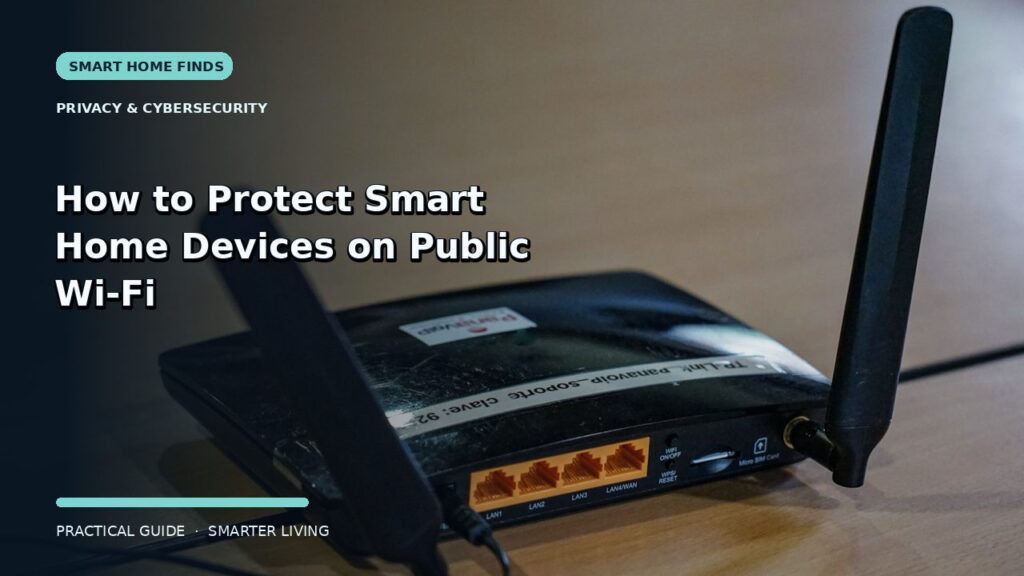
Using an unfamiliar public Wi-Fi network introduces risks for the phone or laptop used to manage a smart home. Most connected-home appliances are designed to remain on a trusted home network, not to be paired directly to café or hotel Wi-Fi.
Protect the management device
Keep your phone and apps updated and verify that you are signing into the official smart-home service. Avoid joining lookalike Wi-Fi networks or accepting suspicious login prompts. A trusted cellular connection may be preferable when managing sensitive devices remotely.
Use account security rather than network assumptions
Enable supported multifactor authentication and avoid reusing smart-home passwords. Many vendors route remote commands through their own cloud service; a VPN or encrypted connection may protect transport but does not prevent stolen account credentials.
Avoid reconfiguring home devices unnecessarily
Do not migrate cameras, locks or hubs onto an untrusted travel network just to obtain remote access. Where remote management is required, use the manufacturer's supported controls and review active account sessions after travel.
Practical checklist
- Protect the phone used for access
- Check official login pages
- Use strong account security
- Keep household devices on trusted networks
Bottom line: Do not migrate cameras, locks or hubs onto an untrusted travel network just to obtain remote access.
Managing a home while connected to hotel Wi-Fi
Suppose a homeowner wants to check a security camera while traveling. Their phone may be on a hotel network with an unfamiliar login page, but the camera itself should generally remain on the protected home network. Use the manufacturer's official remote-view service or a trusted supported method; do not join the camera to hotel Wi-Fi or enter account credentials into a suspicious portal.
How to confirm the setup works
Protect the phone with current updates, screen lock and supported multifactor authentication on the vendor account. If a login prompt behaves unexpectedly, stop and verify the official app. After travel, review sessions and sharing permissions. A VPN may be useful in some contexts, but it does not fix reused passwords or compromised account credentials.


