Penulis · Smart Home Finds
admin
Kontributor di Smart Home Finds.
Artikel ini diterbitkan dan menjadi tanggung jawab redaksi Smart Home Finds.
Building a smart home on a budget starts with one practical goal, not a shopping spree. Identify the task you want to simplify, choose compatible devices, and plan for installation, subscriptions, energy use, and long-term support before spending money.
Smart home on a budget: what to consider first
Start with the job you want the technology to do, then check compatibility, setup effort, ongoing costs, and how the household will control it. A small, dependable system is usually easier to maintain than a collection of devices chosen without a plan.
Start by writing down the current situation and the improvement you want. Check whether the product or method supports your existing devices, internet connection, mobile operating system, and preferred control platform. Read the setup requirements and support information before spending money. If the project involves mains electricity, locks, heating equipment, or other safety-critical systems, follow the manufacturer’s instructions and use a qualified professional where required.
Build your starter setup step by step
- List the everyday problem you want to solve and define what success looks like.
- Check the device requirements, supported ecosystems, connectivity, subscriptions, and manual controls before buying.
- Add one device or routine at a time, test it for several days, and document what works.
After setup, test the normal use case as well as a few exceptions: a household member using a different phone, a temporary network interruption, a manual override, and a notification arriving at an inconvenient time. Keep the first version simple. Add extra rules only after the basic behavior is reliable and easy to explain to other people in the home.
Common mistakes to avoid
Assuming every product with a “smart” label works with every platform; overlooking subscription costs; and failing to test the everyday manual control.
Also consider long-term maintenance. Check how updates are delivered, what data is collected, whether a subscription is required, and how you would remove the device from your account if you replace it or move home. For comparisons, evaluate options using the same criteria rather than choosing based on one impressive feature.
Quick checklist
- Define the problem and the result you want.
- Confirm compatibility, connectivity, costs, warranty, and support.
- Protect accounts and review privacy settings.
- Keep a manual fallback and test the setup before relying on it.
- Record settings and review performance after a week.
Frequently asked questions
Do I need to buy everything at once?
No. A staged approach makes it easier to test compatibility, manage costs, and learn which features are genuinely useful.
Will it work if the internet goes down?
That depends on the device, protocol, hub, and service design. Check the manufacturer’s documentation for local control and offline behavior before purchasing.
What should I do next?
Use the checklist to compare your options, verify current product specifications, and test a small setup first. The best smart-home system is one that remains useful, understandable, and maintainable over time.
Editorial note: Confirm product specifications, compatibility, pricing, and regional requirements against current manufacturer documentation before publication.
Related reading: What Is a Smart Home? A Beginner’s Guide offers additional context for planning your smart home.
Choose affordable upgrades that solve real problems
A budget smart home does not need expensive screens, cameras in every room, or a subscription for every device. Choose one practical improvement, such as controlling a table lamp, receiving a door notification, or monitoring the energy use of a small appliance. A successful first purchase should solve a real problem while leaving room to expand later.
Smart home on a budget: shopping priorities
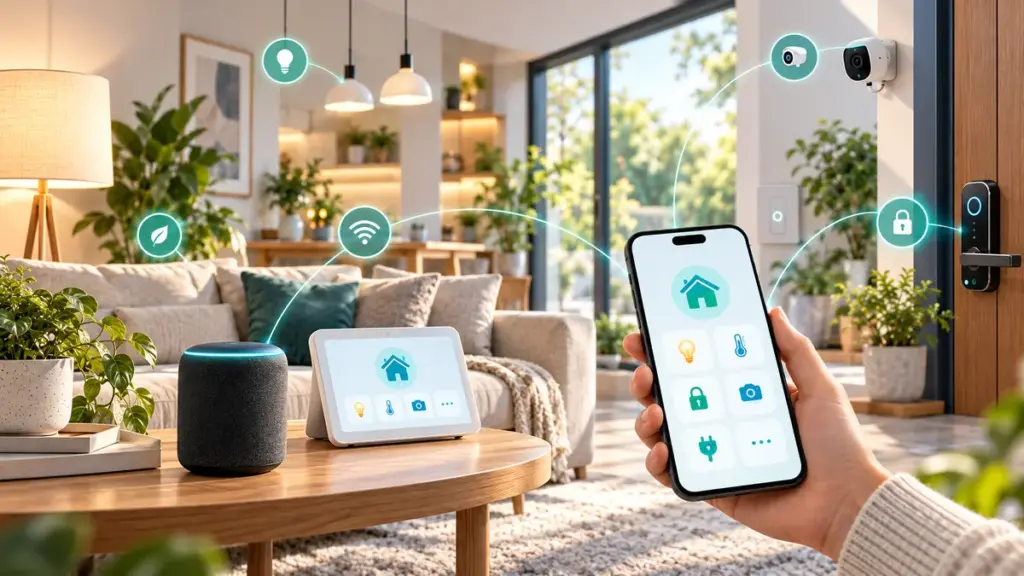
Divide purchases into essentials and optional upgrades. Essentials might include reliable home Wi-Fi, one compatible control device, and a straightforward way for everyone in the household to operate it. Optional upgrades may include sensors, smart speakers, and advanced hubs. Compare the total cost of ownership, including batteries, subscription plans, replacement components, and internet requirements.
Example starter sequence
- Test network coverage in the room where the first device will operate.
- Choose a platform compatible with your phone and with other devices you might buy later.
- Install one smart bulb or suitably rated smart plug and learn its basic controls.
- Test a simple schedule; keep physical controls available for other household members.
- Add a sensor or hub only when a specific use case makes it worthwhile.
Compare costs beyond the purchase price
Two products with similar prices can have different long-term expenses. Consider whether the device needs a paid cloud service, requires disposable batteries, or depends on a particular hub. Check local warranty coverage and the manufacturer’s update policy. Avoid selecting products solely because they advertise dozens of features you will rarely use.
When planning a smart home on a budget, check connectivity requirements before committing to a particular ecosystem. Small differences in supported features can affect long-term costs.
Check compatibility before every purchase
Look for supported platforms and technologies such as Matter, Thread, Zigbee, or Wi-Fi. These terms describe different layers of connectivity and do not automatically guarantee that every product works with every ecosystem. Read product-specific compatibility lists, and check what happens when internet service is unavailable. You can also compare protocols in our Matter, Thread, Zigbee and Wi-Fi explainer.
For information about how Matter device interoperability works, consult the Connectivity Standards Alliance. Check individual products for current certification and supported features rather than assuming all devices work together.
Keep your setup simple and secure
Use unique account passwords, enable multi-factor authentication when available, and install updates. Keep records of device names and account access so a replacement phone does not make the system difficult to manage. If equipment involves permanent wiring, locks, or safety-critical systems, use qualified help when appropriate instead of choosing a cheaper but unsafe installation.
Budget smart home checklist
- Choose one clearly defined goal.
- Confirm Wi-Fi coverage and preferred platform.
- Calculate purchase, subscription, energy and maintenance costs.
- Confirm that manual controls remain practical.
- Test devices one at a time before scaling.
- Review security settings and software support.
For a smart home on a budget, regular updates and clear household controls are often more valuable than expensive features that rarely get used.
A realistic budget: what to purchase now and later
A smart home on a budget is easier to manage when you plan purchases in stages. Start by identifying one task that is repetitive, inconvenient, or easy to forget. Controlling a bedside lamp on a schedule can be more useful than buying several devices with features nobody uses. Write down the cost of the device, any necessary accessories, and whether a hub or subscription is required. Next, compare how frequently you expect to use the feature. A simple device used every day may offer more practical value than a costly novelty used occasionally.
When assessing affordability, think about the full life of the product. Batteries, replacement sensors, extra smart switches, electrical installation, and paid recording plans can change the total cost significantly. Devices that operate without mandatory subscriptions may help keep spending predictable, but only if they offer the features you need. Make a short list of must-have, nice-to-have, and future-upgrade items, then purchase the first one only after confirming support for your phone and preferred ecosystem.
A useful monthly practice is to review which automations have actually saved time. If an upgrade does not solve a recurring problem or make the household more comfortable, defer it. This keeps the project aligned with real needs rather than marketing claims.
Choosing your first device without wasting money
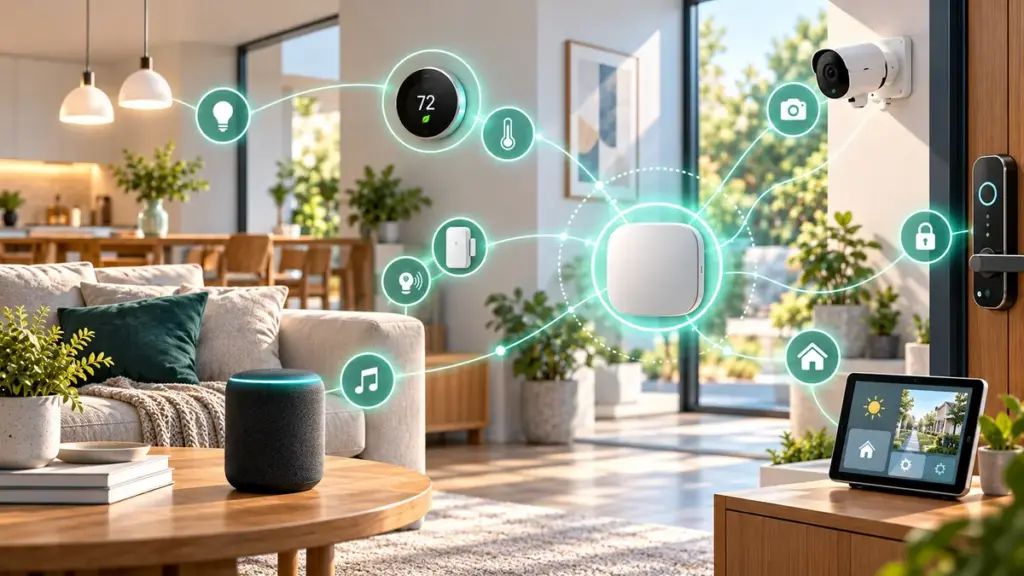
A smart home on a budget needs a clear first purchase: choose a device you can use every day, that fits the available network and does not require unnecessary accessories.
The simplest first devices are generally those that do not require permanent changes to wiring or doors. Depending on regional standards and product availability, an appropriately rated smart plug or a connected light bulb may be a manageable starting point. Do not assume that a smart plug is suitable for every appliance: the plug’s rated current, voltage, type of load, and manufacturer restrictions matter. For high-load equipment or installations involving mains wiring, consult a qualified professional.
If you want lighting automation, consider who else uses the room. A smart bulb may lose connectivity when someone turns off a conventional wall switch. A smart switch can solve some of those issues but may require wiring compatibility or professional installation. Compare the real use case, not just the advertised feature list. Smart lighting is successful when anyone in the home can still turn the light on without finding a phone.
For an initial trial, keep the receipt, document the pairing procedure, and test the return or warranty policy. Use the device for at least several days before deciding whether a second unit makes sense. A smart home on a budget benefits from patient purchasing because it gives you time to identify unexpected compatibility and usability problems.
Understanding ecosystems before you commit
For a smart home on a budget, ecosystem compatibility is a long-term financial decision because replacing incompatible equipment later may cost more than the initial savings.
A smart-home ecosystem is the collection of apps, hubs, devices, and services that work together. Some products are designed for specific voice assistants or phone platforms, while others support cross-platform standards. Matter is intended to improve compatibility among supported devices and controllers, but it does not guarantee that every feature is available everywhere. Compare exact model support, firmware requirements, and the controller you intend to use.
Ask three questions before buying: Can I control the device with my existing phone? Can other household members use it without sharing a personal account? What continues to function if internet access is interrupted? These questions reveal limitations that are easy to miss on a product listing. For some devices, basic local operation can remain available while remote access, history, or voice features depend on the cloud.
Avoid switching ecosystems merely because one platform looks fashionable. If you already have a dependable router and a few supported devices, a gradual expansion is often less expensive than replacing everything. Keep an inventory of product models and supported integrations so each new purchase has a clear reason to fit your existing setup.
What a hub does and when it is useful
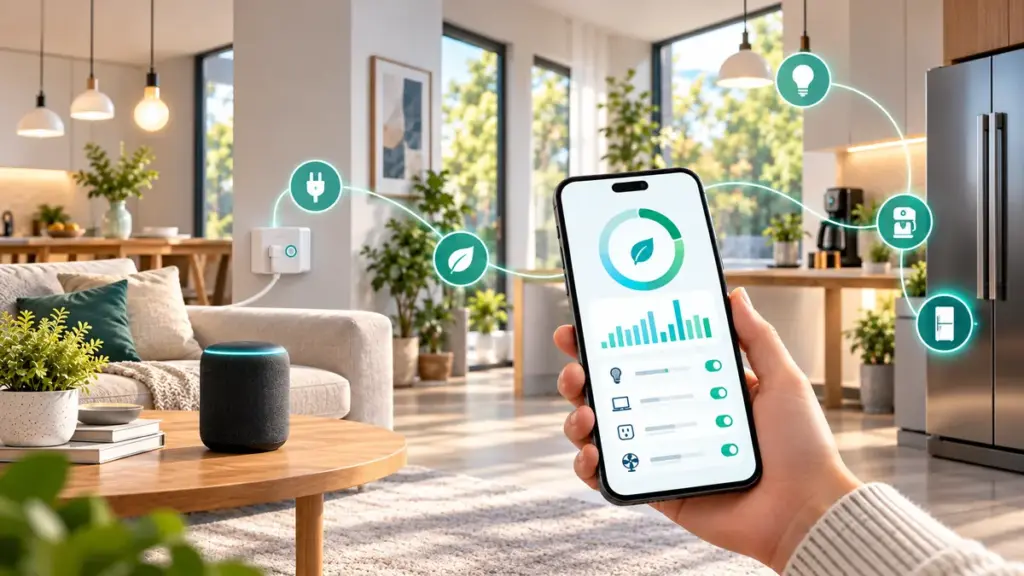
In a smart home on a budget, a dedicated hub should solve a proven problem rather than become another gadget to maintain.
A hub can coordinate devices that use protocols such as Zigbee or Thread, depending on its capabilities. Some systems use a dedicated physical hub; others rely on a smart speaker, display, or home controller that also performs another function. A hub is not always necessary for a small setup built around individual Wi-Fi devices. Buying one before defining your needs can add cost without improving daily life.
A hub becomes more compelling when you want local routines, many low-power sensors, or centralized management. It may also reduce the need for separate proprietary bridges, although compatibility must be checked device by device. A hub can provide a place to configure automations and simplify household access, but it also introduces another component that needs updates and backups.
When building a smart home on a budget, delay buying a hub until a specific feature calls for one. If you plan to expand to a large number of sensors, investigate hubs early enough to avoid choosing incompatible devices. Write down the protocol and ecosystem support of each product, and compare the cost of a suitable controller with the convenience it would bring.
Wi-Fi reliability and device placement
A smart home on a budget depends on reliable coverage more than expensive hardware, so test the wireless signal before purchasing additional devices.
The best automation cannot compensate for unreliable wireless coverage. Before installing smart devices, check the network where they will actually operate: near the front door, behind a cabinet, in a bedroom, or close to an appliance. Walls, metal objects, interference, and router placement can affect performance. A phone’s signal indicator is only a rough guide; repeated connection tests at the device location provide more useful information.
Many connected products still use 2.4 GHz Wi-Fi because of its coverage characteristics, while other equipment may require a bridge or hub. Follow each product’s setup instructions. Avoid changing router security settings globally just to connect an older device unless you understand the consequences. Prefer a supported product or separate network configuration that does not undermine the security of your main devices.
If a new device disconnects frequently, troubleshoot its signal, power supply, firmware, and router settings before buying another accessory. Moving an existing router or adjusting placement may be more effective than purchasing a new controller. In a smart home on a budget, correcting network problems early avoids wasted purchases and makes the first successful automation much more dependable.
Offline operation and cloud dependencies
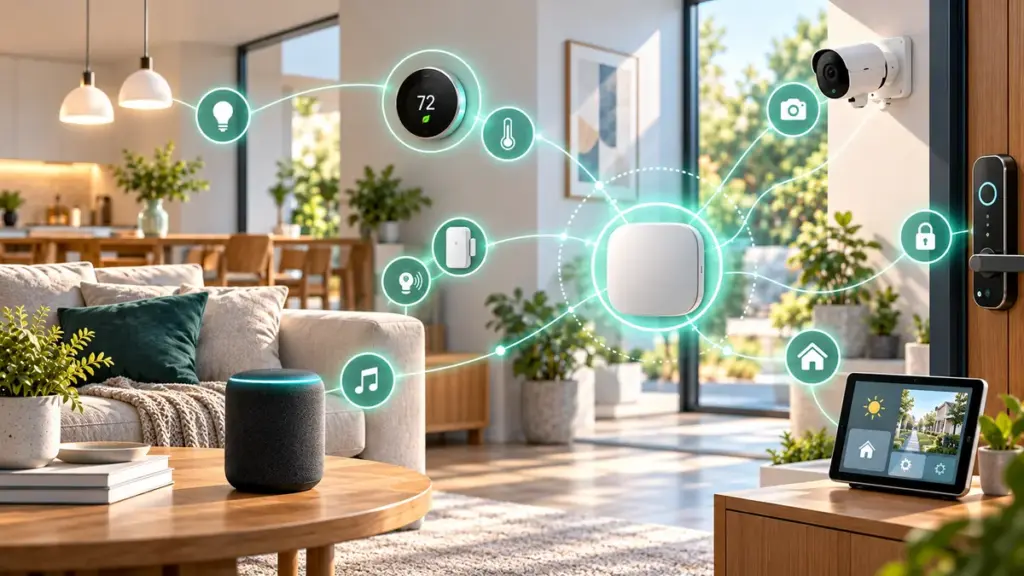
For a smart home on a budget, prioritize reliable manual controls and clearly documented offline behavior over marketing claims.
A useful connected home should handle ordinary disruptions gracefully. Test what happens when the internet connection is down but the router and local network remain powered. Some products continue to respond locally through an app or hub; others require a vendor service for basic commands. The answer depends on the exact device, software version, protocol, and controller. Never assume that the word “smart” implies local control.
Separate critical functions from conveniences. Lights, access controls, and safety systems should retain appropriate manual or manufacturer-approved fallbacks. Avoid creating an arrangement in which a cloud outage prevents someone from using an essential household feature. For sensors and alarms, follow the manufacturer’s instructions and applicable safety standards rather than relying on an improvised automation as the only alert.
When comparing products, look for clear documentation on offline behavior, data retention, and account recovery. For a smart home on a budget, predictable behavior during an outage can be more valuable than a long list of features that depend on subscriptions. Record which routines still run without the internet and share that information with the other people living in the home.
A practical starter setup for an apartment
A smart home on a budget can work especially well in a rental when devices are portable, simple to reset, and safe to remove.
Small apartments can benefit from targeted automations without extensive installation work. A renter might start with a smart bulb for a desk, a removable contact sensor where permitted, or a suitably rated plug for a lamp. Focus on reversible changes and always respect building rules and safety instructions. Permanent modifications, locks, or electrical changes may require permission and professional help.
Set up one routine at a time. For example, create a lighting scene for work or evening reading, and test that it works when someone uses a physical switch. Avoid automatic actions that could surprise another person or affect essential appliances. Label devices clearly in the app so household members can distinguish them. If the app supports rooms, use the same names people use in conversation.
Apartment living also makes connectivity planning important because neighboring wireless networks may cause interference. Test devices at their intended locations before buying multiples. A smart home on a budget should remain easy to pack up, reset securely, and transfer to a new home. Keep original packaging and the manufacturer’s reset instructions for devices that you may need to remove later.
A practical starter setup for a family home
A smart home on a budget should remain simple for the entire household, including guests who may not have access to its companion app.
A larger household may benefit from automation, but reliability and shared access become especially important. Start with a routine that helps several people, such as exterior lighting at an appropriate time or a reminder that a noncritical device was left on. Discuss the proposed routine before enabling it. A schedule that seems helpful to one person can be inconvenient for someone who works different hours.
Choose controls that remain understandable to guests, children, and older relatives. Where possible, keep physical switches and simple manual operation. Set permissions so household members can use shared devices without receiving unnecessary access to cameras, location history, or administrative settings. Review access whenever phones are replaced or household arrangements change.
For a smart home on a budget, plan installation by room rather than purchasing everything in one order. Note the devices used most frequently, and add features only when they make daily routines clearer. Gradual expansion also creates opportunities to compare product reliability, battery life, and support quality before investing in more hardware from the same manufacturer.
For general consumer security advice, read the CISA Secure Our World guidance and apply recommendations appropriate to your devices and household.
Privacy, account security, and updates
Security is part of a smart home on a budget: protecting shared accounts and keeping firmware updated can prevent expensive problems.
Connected devices can process information about household routines, occupancy, camera events, and app activity. Review the product’s privacy controls before adding it to your network. Disable permissions that are not necessary for the features you use. For cameras and microphones, consider where the devices are positioned, who can review recordings, and whether the platform provides privacy zones or local storage choices.
Protect the account that manages your devices. Use a unique password and enable multi-factor authentication where available. Keep the manufacturer’s app and device firmware updated, especially when fixes address security or stability. If remote administration is not required, review whether it can be disabled. A separate guest or IoT network may help isolate devices, depending on your router’s capabilities.
Security should be included in the original budget rather than treated as an optional upgrade. A low purchase price is less attractive when a product receives limited software support or has unclear account controls. Check the manufacturer’s support history and practical recovery options before building further routines around the device. Keep notes about who has access and how you would remove the device securely.
Measuring value beyond energy savings
The success of a smart home on a budget should be measured in reliable daily improvements, not only the number of devices installed.
Smart-home marketing frequently emphasizes electricity savings, but connected devices do not automatically reduce energy use. A scheduling feature can be helpful when it turns off equipment that would otherwise remain on unnecessarily. However, standby consumption, device settings, and household behavior all affect the result. A smart plug with energy monitoring may provide useful estimates for compatible appliances, but the accuracy and measured metrics vary by model.
Time savings and reduced friction can be equally valuable. Consider whether the automation removes repeated manual steps, helps with accessibility, or improves comfort without creating extra maintenance. Keep the original process available while testing. If an automated routine requires frequent troubleshooting, it may cost more attention than it saves.
When evaluating a smart home on a budget, review practical outcomes after the first month. Did the routine perform consistently? Could everyone use the system? Were there unexpected app charges or battery replacements? Did you learn enough to justify another purchase? Answering these questions helps you decide whether to continue investing or simplify the setup.
An upgrade plan for the next three months
A smart home on a budget grows best through deliberate, testable steps rather than buying every accessory at once.
A three-month plan can keep spending under control without making the project feel restrictive. In the first month, choose your main goal, check network coverage, buy one compatible starter device, and configure its basic function. Test it under ordinary household conditions, including manual overrides and temporary connection problems. Keep a short note about setup time and any recurring costs.
In the second month, decide whether another device would deliver a clear benefit. For example, if automated lighting has worked well, a motion sensor may help in a hallway, provided that the ecosystem supports a reliable connection. Check battery requirements and whether you need a hub before purchasing. Resist buying accessories just because an app recommends them.
In the third month, review device reliability, software updates, access permissions, and overall satisfaction. If you have useful routines, document them in a simple household guide. If a feature has become troublesome, remove or simplify it. A smart home on a budget should become more dependable with time, not harder to manage. This measured approach creates a clear path for expansion without committing to an expensive system at the start.
Frequently asked practical questions before expanding
Should you choose a smart bulb or a smart switch? For a first experiment, the right choice depends on your wiring, manual-control needs, and willingness to install equipment. Some smart switches require a neutral wire or professional installation. Compare actual compatibility and safety requirements rather than relying on a general recommendation.
Is an expensive voice assistant essential? No. Many devices can be controlled through their companion apps or suitable hubs, although that may be less convenient for some households. Voice control can be added later if it improves access. The most important factor is whether the primary controls work consistently for everyone.
Do you need a subscription? Not always. Some products include local features without ongoing fees while cloud recording or additional analytics require payment. Check the specific service terms. Can different brands work together? Sometimes, depending on supported standards and platform integrations. Verify exact models and features before purchase. These basic questions matter because a smart home on a budget succeeds by avoiding surprises, not by accumulating the largest number of devices.
When embarking on the journey of creating a budget-friendly smart home, careful consideration of device compatibility and functionality is crucial. Assessing the specific needs of your household will guide your selection of devices that provide essential features without incurring unnecessary costs. It is advisable to prioritize investments in core devices that enhance the overall user experience while remaining within financial constraints. By strategically planning and prioritizing, one can effectively establish a smart home that meets both practical demands and budgetary limitations.