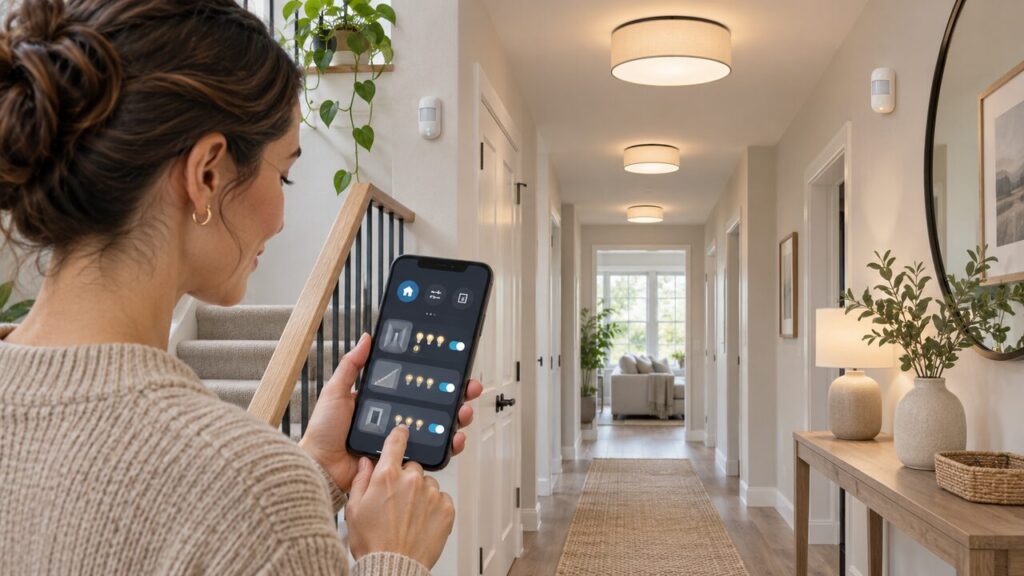
Clear device names are functional tools: they make voice commands, app dashboards and troubleshooting understandable. A household with several entries named 'Light' or 'Switch' cannot easily predict which device will respond.
Choose names that describe location and function
Use labels such as 'Kitchen counter light', 'Hallway door sensor' and 'Office desk lamp'. Distinguish similar devices in the same room. Avoid names that conflict with a voice assistant's common phrases.
Keep app rooms aligned with the real home
If a sensor is moved, update its room and associated rules. A virtual group can represent several lights in one room, but its name should make the group behavior obvious.
Document who owns each automation
Write down where the rule is configured and what it controls. Duplicate names across a manufacturer's app and a central platform can cause confusion even when the devices are physically distinct.
Practical checklist
- Use room-and-purpose names
- Avoid duplicate device labels
- Check voice ambiguity
- Update labels after moves
Bottom line: Write down where the rule is configured and what it controls.
Naming devices so people know what will happen
In a home with two bedrooms, names like 'Bedroom lamp 1' and 'Bedroom lamp 2' are difficult to remember. 'Main bedroom bedside lamp' and 'Guest room ceiling light' are more descriptive, provided the voice platform recognizes them reliably. Group only devices that should act together; avoid a broad 'All lights' scene that unexpectedly changes someone's private room.
How to confirm the setup works
When someone reports that the wrong light activated, verify the physical device assignment and the group membership in every linked platform. Renaming an item in one app may not automatically update every external integration. Check event logs, remove stale duplicates, and document the preferred names in the household inventory.


