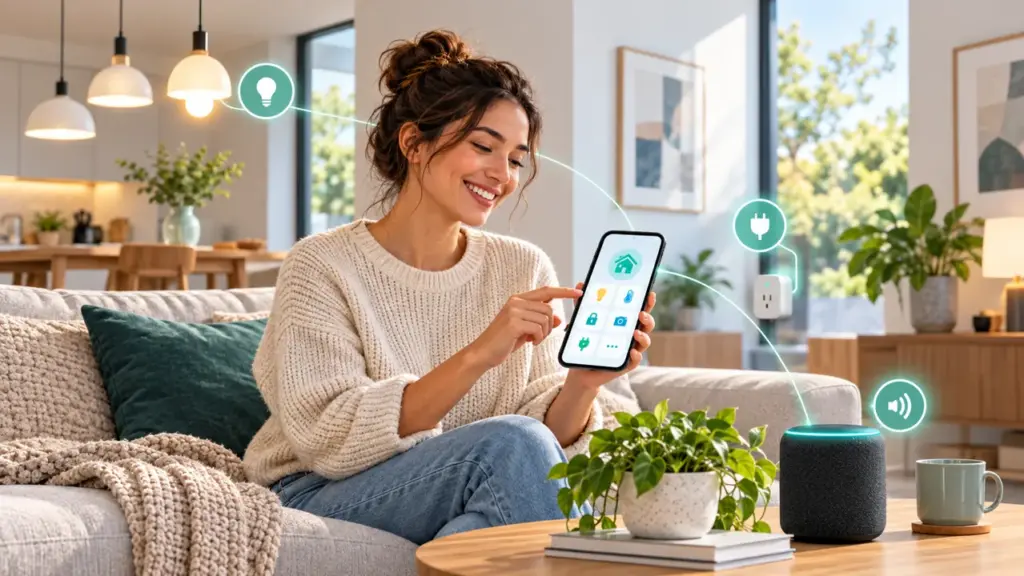
Penulis · Smart Home Finds
admin
Kontributor di Smart Home Finds.
Artikel ini diterbitkan dan menjadi tanggung jawab redaksi Smart Home Finds.
Smart home upgrades for beginners work best when they solve a real everyday problem. You do not need to automate your entire home at once: start with one or two compatible devices, check their privacy and security features, and expand only when the setup is useful.
Table of Contents
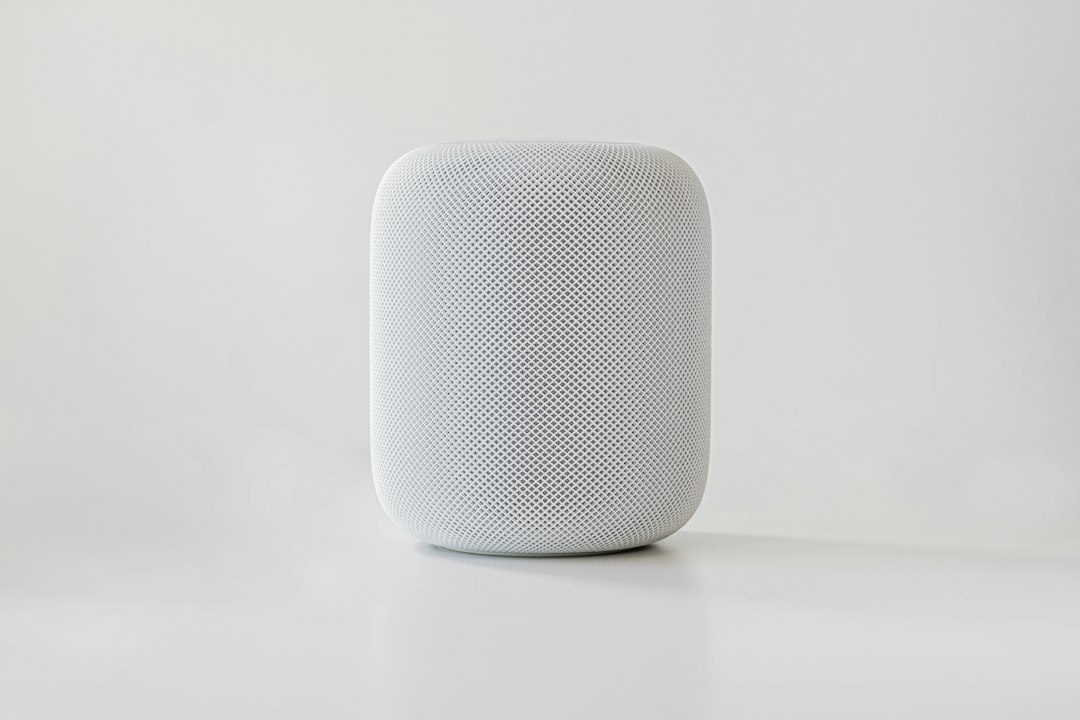
1. Start with a Smart Speaker or Compatible Hub
A smart speaker or hub can bring supported devices into one app and may let you create voice commands or routines. The exact features depend on the platform and model, so confirm compatibility before buying. A hub is not required for every smart device.
2. Make Everyday Lighting Smarter
One of the most practical smart home upgrades for beginners is smart lighting: bulbs and switches can schedule lights, adjust brightness, and turn lighting off when it is not needed. Check the bulb base, dimmer compatibility, network requirements, and whether a hub is required. Start in a room where automated lighting would make a clear difference.

3. Try a Smart Plug for Simple Automation
A compatible smart plug can add app control and schedules to suitable plug-in devices. Check the maximum electrical rating and manufacturer instructions. Do not connect high-power appliances unless the plug is explicitly rated for that use.
4. Consider a Video Doorbell or Smart Camera
Before choosing a camera or video doorbell, compare image quality, night vision, storage, subscription costs, field of view, and privacy controls. Position cameras responsibly and avoid recording private areas. Use a strong unique password and enable multi-factor authentication when available.
5. Add Sensors for Specific Needs
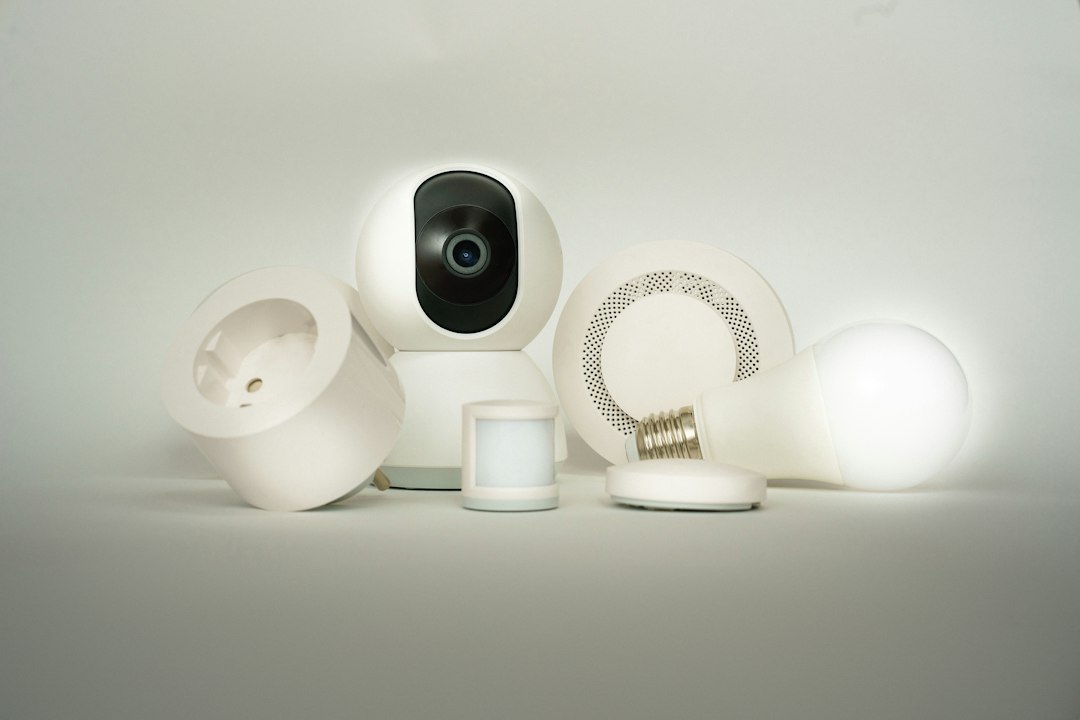
For smart home upgrades for beginners, sensors are another practical option: door sensors, motion sensors, and water-leak detectors can send alerts or trigger automations. Choose a sensor for a defined task, such as detecting water near a washing machine. Confirm the hub requirement, battery type, and supported smart home platform.
6. Improve Comfort with Smart Climate Controls
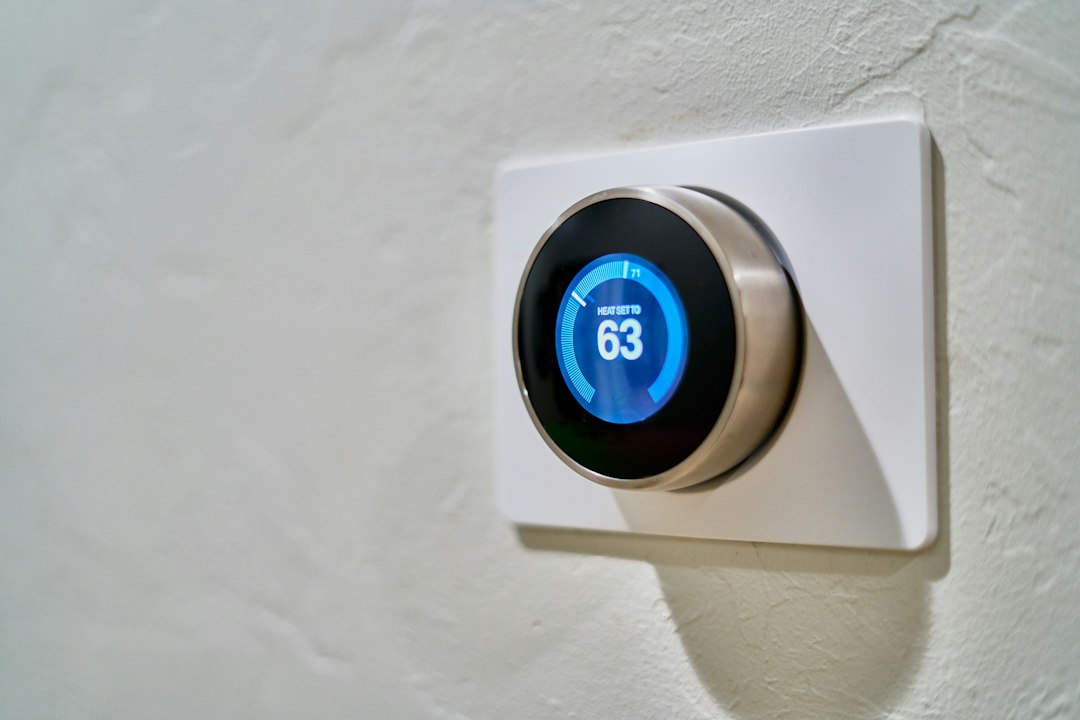
Smart thermostats and temperature sensors can help monitor comfort and manage schedules. They can be useful smart home upgrades for beginners when they are compatible with the existing heating or cooling system. Compatibility depends on the heating or cooling system, wiring, and local requirements. Verify the model before purchasing and ask a qualified installer if the wiring or installation is uncertain.
7. Secure Your Smart Home Network
Change default passwords, install firmware updates, use a secure Wi-Fi password, and review app permissions. Enable multi-factor authentication when offered. The CISA Secure Our World guidance provides practical steps for improving everyday cybersecurity.
Smart Home Upgrades for Beginners: What to Check
- Define the problem: Decide what you want to make easier before shopping.
- Check compatibility: Verify the exact model, app, network band, and platform.
- Calculate the full cost: Include hubs, subscriptions, accessories, and batteries.
- Review privacy and support: Look for clear privacy information and regular software updates.
- Start small: Test one or two devices before expanding.
Frequently Asked Questions
What is the easiest smart home upgrade for beginners?
Smart bulbs or a compatible smart plug are often straightforward starting points. Choose one based on the task you want to simplify, then check compatibility and electrical ratings.
Do smart home devices need Wi-Fi?
No. Some devices use Zigbee or Thread and may need a compatible hub, controller, or Thread border router. Check the exact model’s requirements.
How can I make my smart home more secure?
Use unique passwords, enable multi-factor authentication when available, update firmware, review app permissions, and secure your home Wi-Fi network.
For a clearer explanation of hubs and wireless standards, read our guide to Matter, Thread, Zigbee, and Wi-Fi compatibility. These smart home upgrades for beginners are a starting point, not a one-size-fits-all checklist; always verify the requirements of the products you choose.