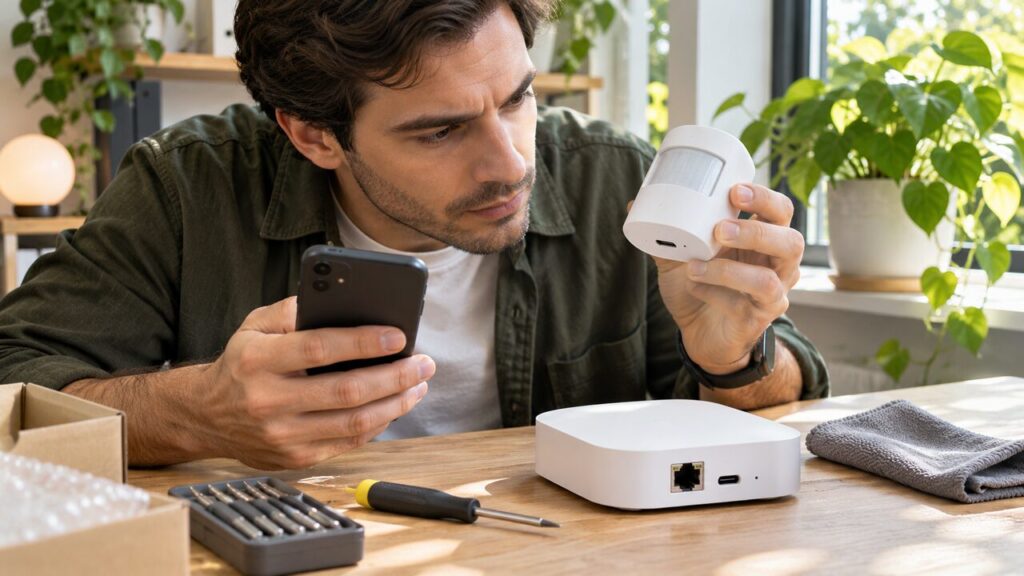
A used smart device can appear fully functional while remaining linked to the previous owner's cloud account or requiring an obsolete service. Inspection should cover ownership transfer and update support as carefully as physical condition.
Verify account transfer before payment
Ask the seller to remove the device from their app and complete the manufacturer's supported transfer or reset procedure. A factory reset alone may not always remove cloud ownership or anti-theft binding. Do not accept a product that cannot be legitimately transferred.
Check support and compatibility
Look up the exact model, current firmware policy, required hub and supported phone platforms. Confirm whether the promised feature depends on a discontinued vendor app or a subscription that is no longer available.
Inspect the item safely
Look for damaged cords, swollen batteries, missing chargers and tampered electrical connectors. For hardwired or safety-critical products, use qualified installation and avoid unknown history where appropriate.
Practical checklist
- Confirm ownership transfer
- Check vendor support
- Inspect power and battery safety
- Compare total replacement costs
Bottom line: Look for damaged cords, swollen batteries, missing chargers and tampered electrical connectors.
A used camera with an unknown account
Suppose a second-hand camera powers up and shows a status light, but the app reports that it belongs to another owner. Do not attempt to bypass account binding with unofficial firmware. Ask the seller to complete the documented release procedure or return it. A working lens is not enough when the buyer cannot legitimately control the device or receive security updates.
How to confirm the setup works
Inspect included cables and adapters for damage and verify that the model still appears on the vendor's support list. Compare the discounted price with any required cloud subscription, bridge and replacement components. If recordings or previous user accounts could remain, follow the documented privacy reset before installing it in an occupied space.


