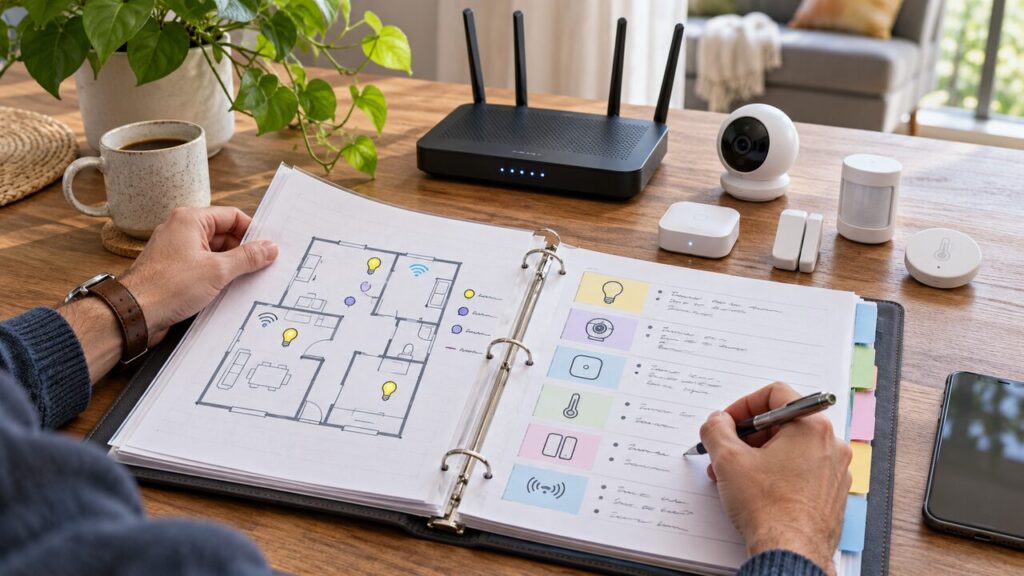
Smart-home documentation does not need to be complicated. A short, secure inventory helps a household restore basic controls after a phone replacement, hub failure or a move.
Record the facts that change over time
List device brand and model, room, controller, firmware update path, installation date and important support contacts. Note which automations require the internet or a hub. Store purchase or warranty information only when it will be useful.
Keep passwords out of shared diagrams
A network sketch can show router and hub connections without publishing Wi-Fi passwords, recovery codes or private camera URLs. Store secrets in a suitable password manager and grant access only to trusted people.
Make the document usable during an outage
Include manual controls and the location of relevant manufacturer instructions. Test whether another household member can identify a room's switch or appropriate support contact without using the primary owner's phone.
Practical checklist
- Record device IDs and locations
- Document automation owner
- Store secrets separately
- Review after changes
Bottom line: Include manual controls and the location of relevant manufacturer instructions.
A useful one-page device inventory
A small inventory can record 'Hallway sensor — Zigbee — connected to living-room hub — battery replaced in October' and 'Front lamp — Wi-Fi — controlled through approved wall switch'. Add account ownership, firmware support links and which rules depend on each component. It should not contain plaintext login passwords or personal camera streams.
How to confirm the setup works
Keep a separate emergency reference describing how to use essential devices manually, who to contact for utility problems and where the relevant manufacturer instructions are stored. Test the document with another household member. Update it whenever devices are moved, factory-reset or transferred to a new controller.


