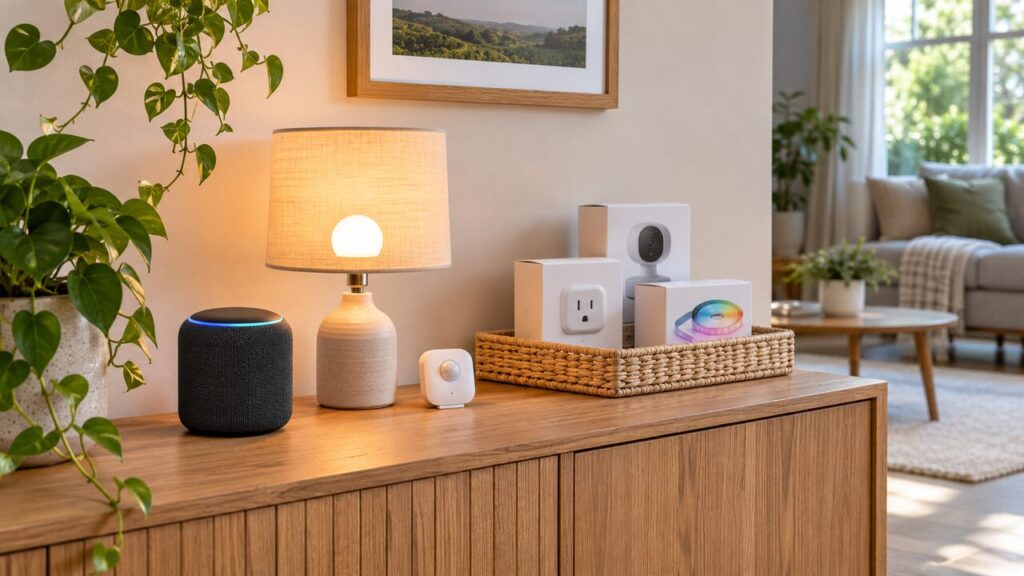
Building a smart home in stages allows each purchase to prove useful before the next one adds complexity. The stages should follow actual household needs instead of a fixed industry shopping list.
Stage one: baseline and one improvement
Check Wi-Fi coverage, everyday control methods and any devices already owned. Choose one low-risk improvement, such as a lamp or reminder, and keep ordinary controls available during the trial.
Stage two: simple coordination
If the first device is reliable, add one compatible sensor or controller so actions can respond to conditions. Test a normal day, a guest visit and an internet interruption before creating more rules.
Stage three: shared and critical functions
Only consider locks, heating integration or motorized fittings after confirming their installation, backup and permission requirements. More devices are not progress if nobody can manage them.
Practical checklist
- Start with a goal
- Verify interoperability
- Test between stages
- Document failure modes
Bottom line: Only consider locks, heating integration or motorized fittings after confirming their installation, backup and permission requirements.
A staged plan that does not require a full budget upfront
During the first week, test one lighting or sensor task using supported hardware. In the next stage, connect the device with a compatible controller only if an actual cross-device automation would help. Later, consider a shared dashboard or additional rooms after checking user permissions and maintenance. There is no need to purchase every planned device before learning from the first one.
How to confirm the setup works
A useful milestone is not 'five devices installed' but 'household members can use the setup and it behaves predictably'. Keep a note of false alerts, lost connections and awkward manual steps. Expand only when the previous stage is stable enough that a new device will not obscure existing faults.


