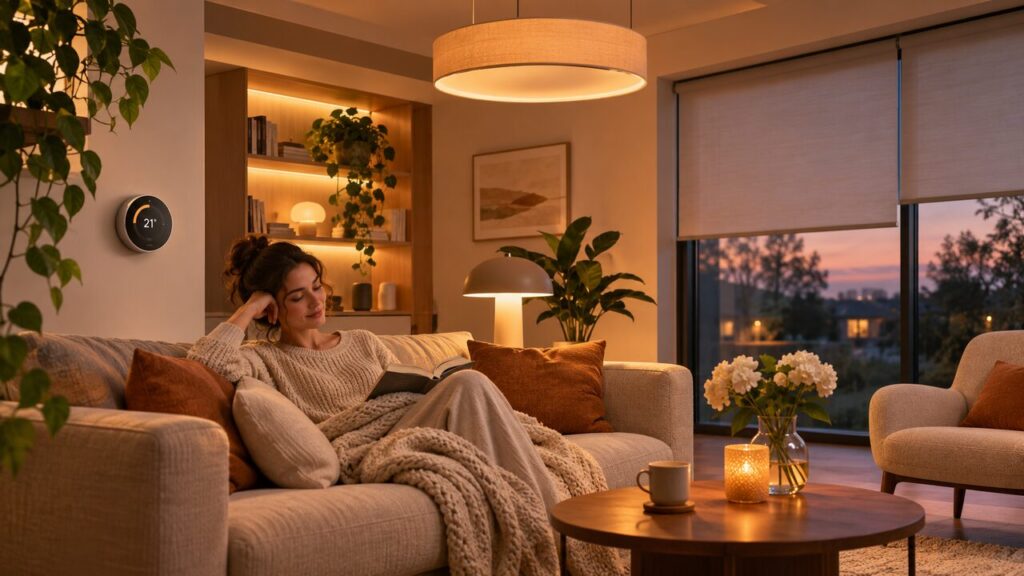
The best comfort upgrades reduce a specific annoyance, such as glare while reading, a poorly lit hallway or an uncomfortable desk area. A highly automated home is not automatically more comfortable if its scenes ignore the people using the room.
Improve lighting before adding complex controls
Layered ambient, task and accent lights can create better contrast than a single harsh ceiling bulb. A dimmable lamp or compatible smart bulb may help, but check flicker at low brightness and whether the wall switch remains convenient.
Use temperature sensors carefully
A sensor near a window, heat source or radiator can misrepresent the occupied area. Compare readings at a normal sitting position before allowing temperature data to drive heating or cooling routines.
Design with shared preferences in mind
A motion sensor may switch lights off while someone reads without moving. Use manual overrides, suitable inactivity periods and simple scenes that can be changed by every authorized household member.
Practical checklist
- Identify one comfort problem
- Test lighting placement
- Review temperature sensor location
- Ask household members
Bottom line: A motion sensor may switch lights off while someone reads without moving.
Comfort improvements that are easy to judge
For a reading corner, first check whether a properly placed task lamp solves glare and shadows. A connected bulb can add dimming or a scheduled scene, but it will not fix poor fixture placement. For a home office that feels unevenly heated, compare temperatures near the desk and thermostat rather than buying an extra controller based on a single misleading sensor reading.
How to confirm the setup works
Use a short before-and-after observation: can someone read comfortably, reach controls, and avoid a harsh nighttime light? Does a room remain usable when a phone or internet connection is unavailable? Ask the people who use the space, because a technically successful scene may still be uncomfortable.