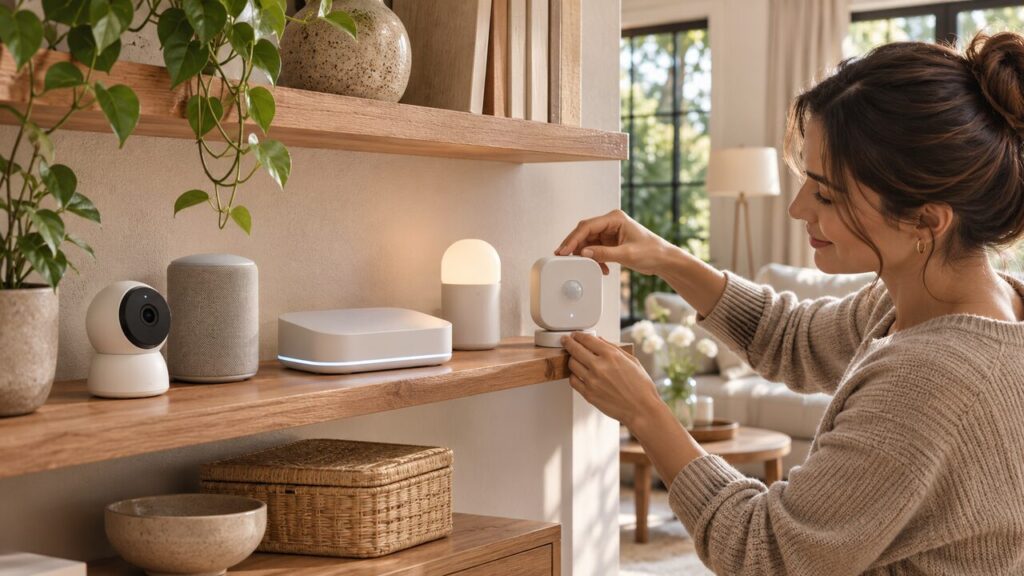
Future-proofing a connected-home purchase means limiting dependence on proprietary features and verifying ongoing support, not assuming that any one standard will make a product useful forever.
Check concrete interoperability claims
Look for exact support for the functions you need, including required hubs and controller versions. A Matter label, for example, does not imply that every proprietary setting can be controlled from every ecosystem.
Investigate update and service policies
Check whether the manufacturer has a documented firmware update process, how vulnerabilities are reported, and what features require an active cloud service. The cost of replacing a discontinued device can outweigh a small initial discount.
Plan for resale and migration
Review whether the device can be reset, unpaired and moved to a new controller. Avoid automations that only exist in an undocumented account or service. Keep a current device inventory so upgrades can be selective.
Practical checklist
- Confirm supported features
- Review software support
- Check cloud dependence
- Document exit options
Bottom line: Review whether the device can be reset, unpaired and moved to a new controller.
How to evaluate long-term support
Consider two apparently similar smart plugs. One offers clear firmware updates, published compatibility information and an understandable reset process. The other requires a poorly documented cloud account and has no reliable support information. Even if the second is cheaper, the first may be easier to keep secure and transfer. Evaluate these concrete service factors, not just radio-standard logos.
How to confirm the setup works
Check whether the features you care about are native to a supported standard or depend on proprietary cloud functionality. If the vendor stops operating, some local functions may continue while remote controls vanish. Maintain a device inventory and prefer a setup whose essential tasks do not require undocumented service dependencies.


