Design useful door and window alerts by choosing meaningful events, checking household access, and handling false notifications responsibly.
Decide what an alert should help you do
A door or window sensor is useful when the message leads to a reasonable action. For example, a reminder that a commonly used window is still open at bedtime may be practical. A notification every time a busy doorway opens, however, can quickly become distracting. Before installing anything, write down the event you want to detect, the person who needs to know, and the time when it matters. This small planning exercise prevents adding alerts that have no clear purpose.
Choose placement based on reliable detection
A contact sensor generally has two cooperating parts that report whether a door or window is open or closed. Installation details differ by product and surface. Follow the manufacturer’s alignment, mounting, and environmental recommendations instead of guessing. Test normal opening and closing several times after installation. A poorly aligned sensor may generate false alerts or fail to report a real change. For unusual doors, metal frames, or exposed outdoor locations, verify suitability before purchasing.
Avoid treating a sensor as a complete security system
An inexpensive contact sensor can support awareness, but it is not a substitute for suitable locks, building safety, or a professionally designed security system where one is required. Wireless connection problems, low batteries, lost power, and incorrect settings can affect reporting. Choose clear fallback procedures for situations when the app is offline. The connected-device security checklist offers a broader starting point for device access and maintenance. Treat alerts as supporting information, not a guarantee.
Use schedules and conditions carefully
If an entrance is used frequently during the day, alerts may be more useful during certain evening hours. Start with a single meaningful condition, then test how it behaves on weekends, during travel, and when guests arrive. Avoid complex rules that suppress important messages without users understanding why. If the platform supports different alerts for open, closed, or left-open states, select only those that help the household make a decision. Review notification history after a week to identify repeated false positives.
Consider everyone who shares the home
Alerts can expose patterns about when household members enter and leave. Discuss the purpose of monitoring with people affected and avoid placing sensors solely to track someone without their knowledge. Keep account permissions narrow and do not share administrative credentials unnecessarily. If caregivers or family members need specific information, configure authorized access accordingly. Review the privacy checklist
Maintain the system after installation
Set a reminder to check battery status, mounting, connection history, and notification settings. Confirm that alerts still reach the right person after a phone replacement or account change. If a sensor begins reporting intermittent events, troubleshoot alignment and connectivity before adding more automated responses. Keep an inventory that records where devices are installed and how to reset them. A modest, understandable alert plan with occasional checks is more valuable than an elaborate system that everyone has learned to ignore.
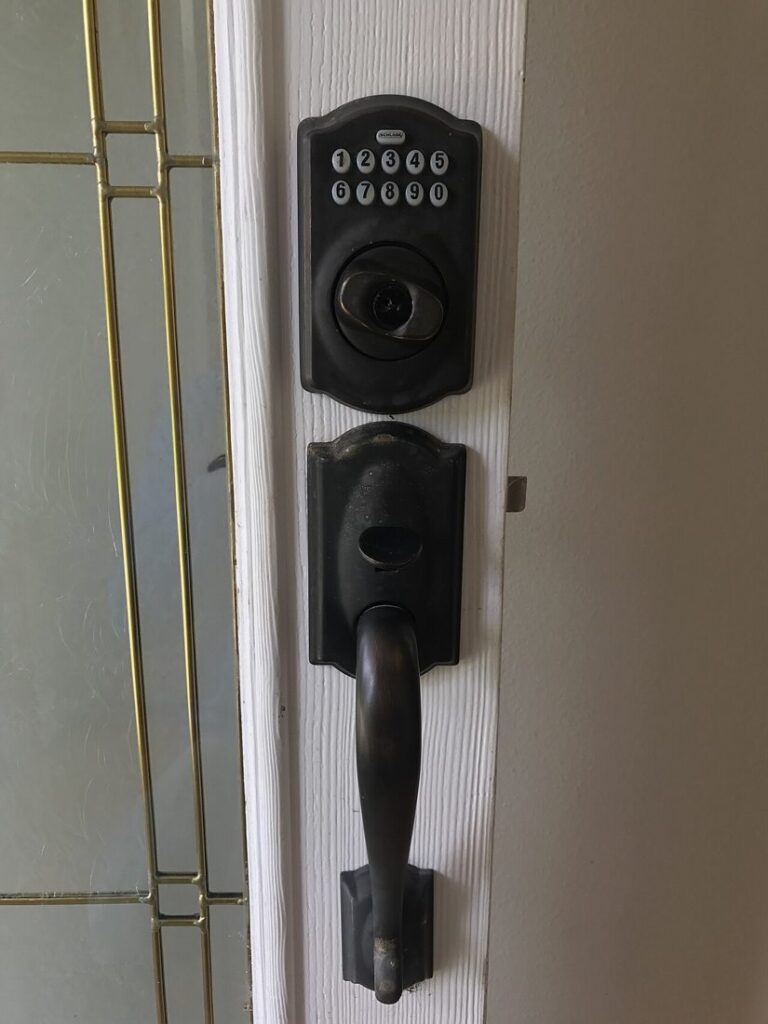
Foto utama: Larry Spalding. Lisensi CC BY-SA 4.0.


